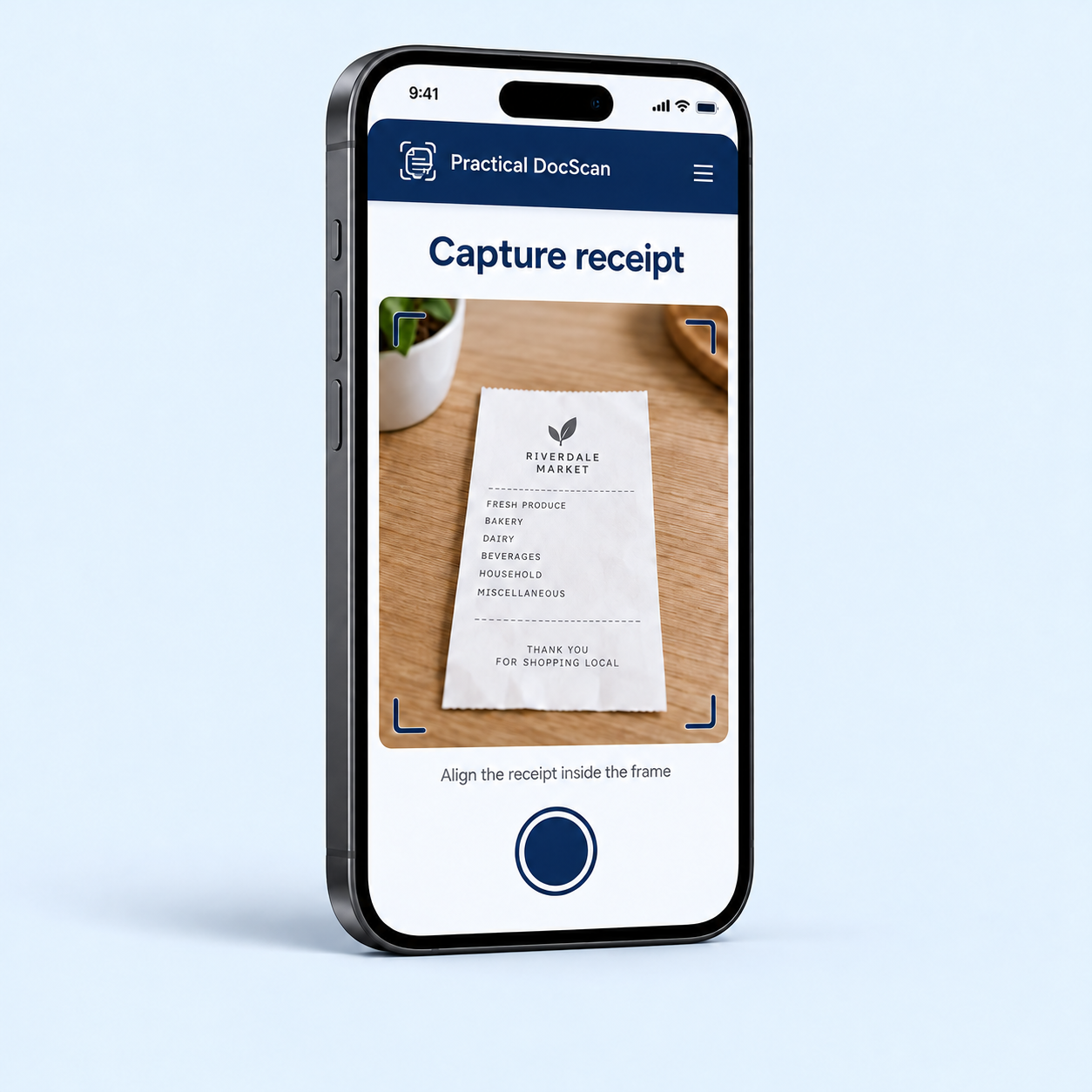
1. Capture and extract
Scan a paper receipt and use on-device text recognition to fill in merchant, date, total and line items for review.
 Practical DocScan
In development for iPhone and Android
Practical DocScan turns one purchase receipt into a clear, accessible reimbursement-request PDF that you can review, redact, keep locally and share.
Capture a receipt, verify the extracted details, preserve the original and prepare a useful next step.
Contact the teamDesigned for iPhone and Android.
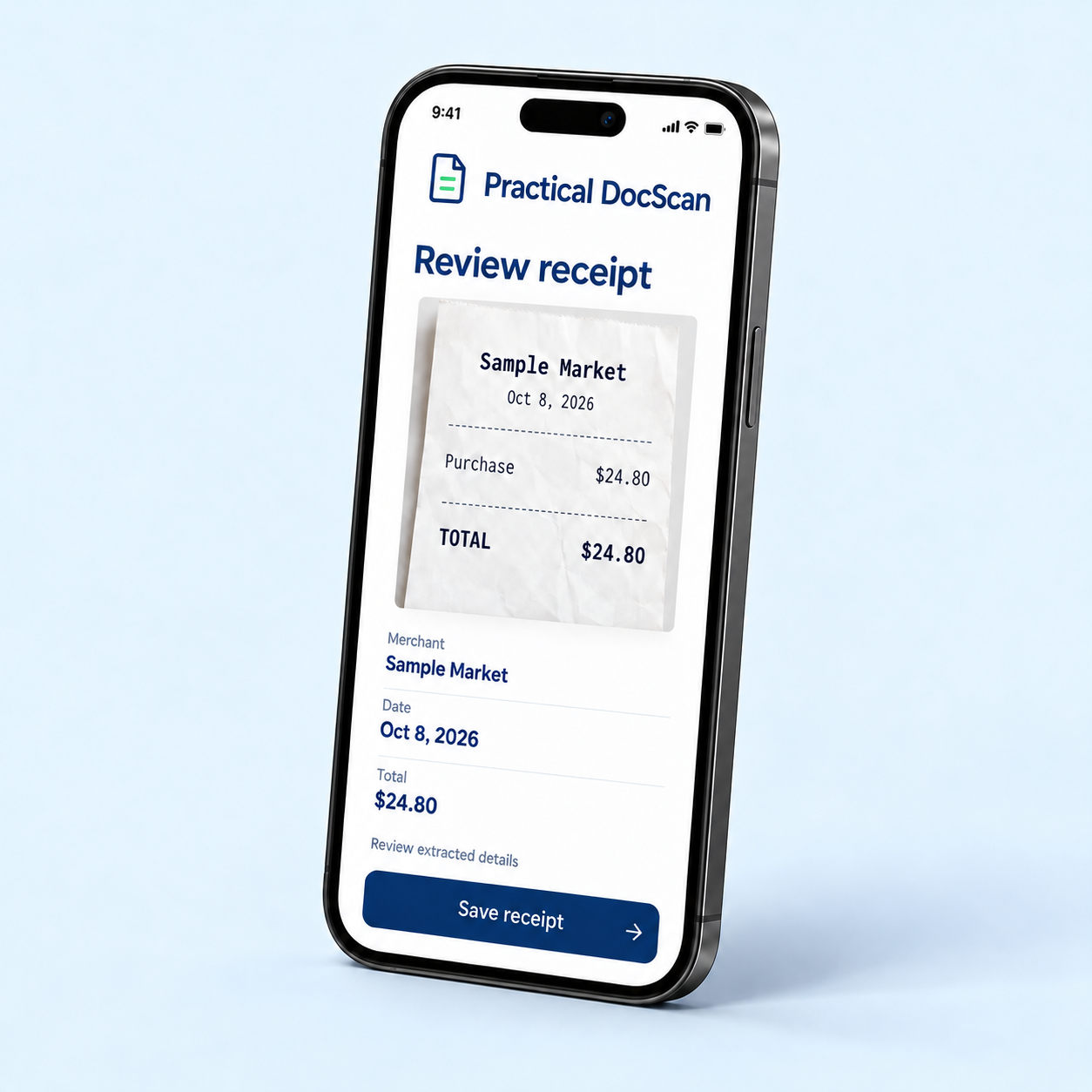
The first release focuses on one clear job: capture a receipt, verify its details, preserve the original locally and prepare a reviewable request.
Scan a paper receipt and use on-device text recognition to fill in merchant, date, total and line items for review.
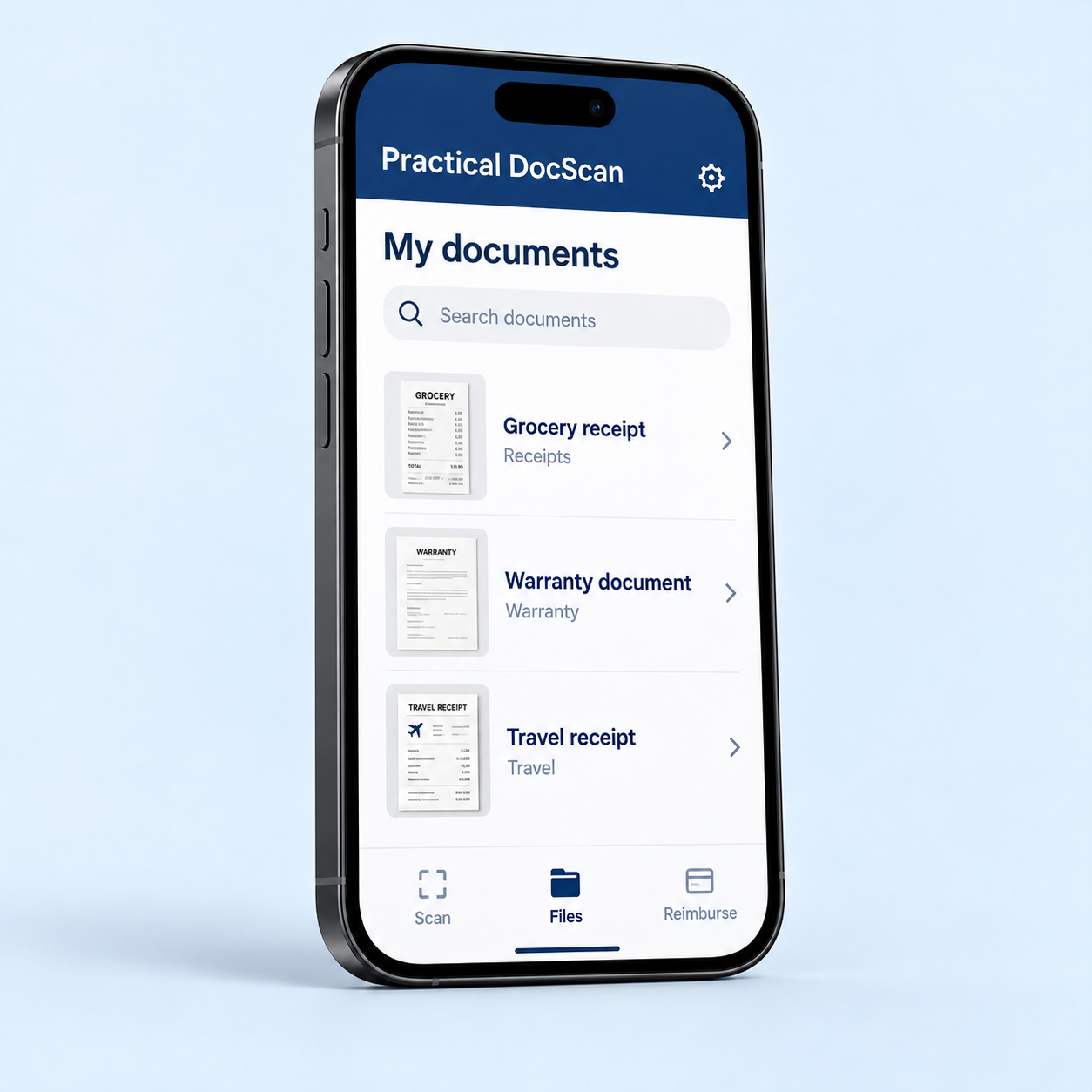
Check and correct extracted details. Keep the original receipt intact in local storage; redaction applies to a separate sharing copy.
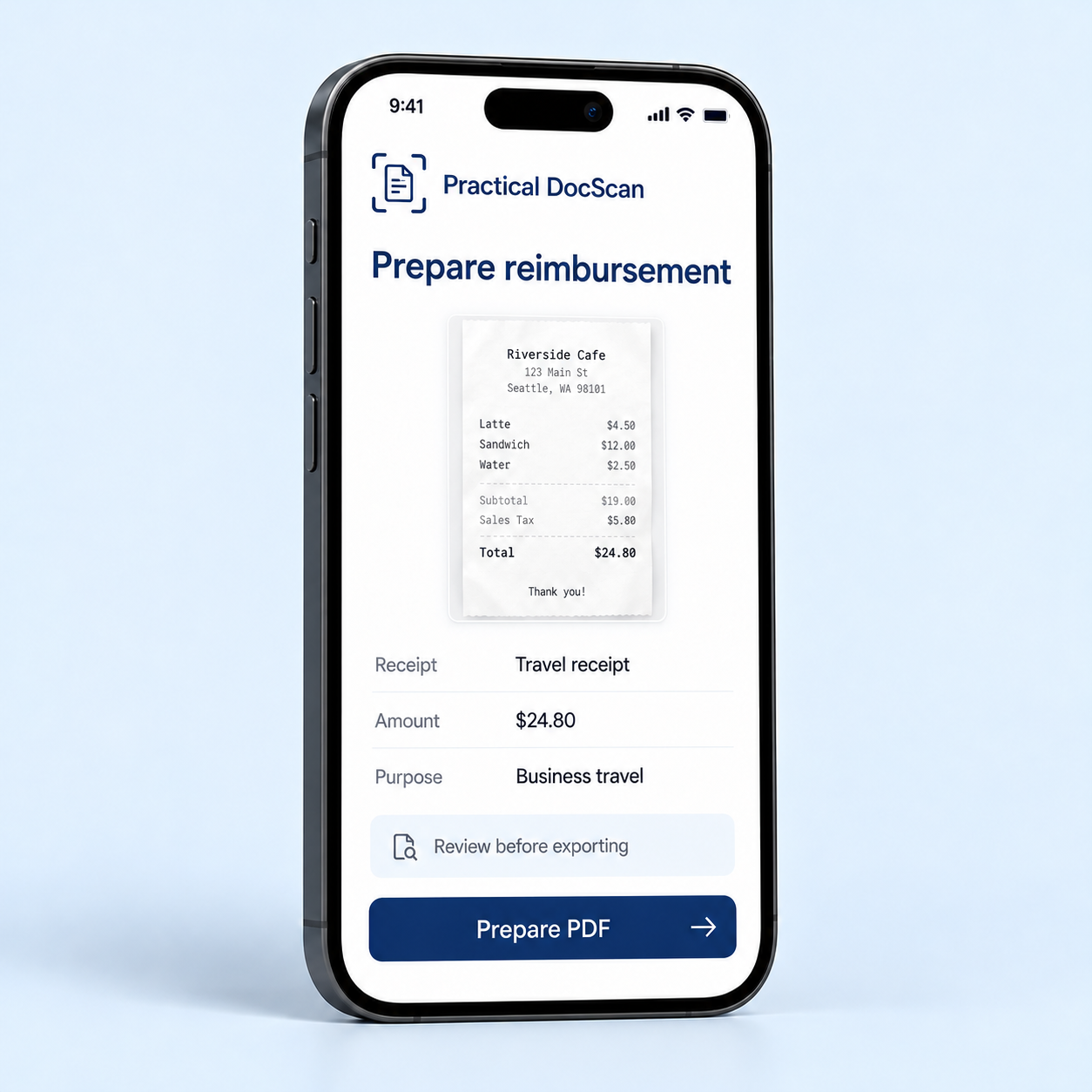
Set the requested amount and recipient, preview the accessible PDF, choose any redactions and hand it off using your device’s share options.
Practical DocScan is in development for iPhone and Android and is not yet publicly available. Release timing and final features have not been announced.
The development roadmap extends beyond the first receipt-to-request workflow. The capabilities below are planned work, not features available in the current in-development release; scope and timing may evolve.
Share selected records through encrypted links designed to expire or be revoked, with clear recipient access and recovery states.
Allocate shared purchases in exact amounts and prepare separate, reviewable reimbursement requests for each person.
Bring related records together, then prepare them with tools such as page merging, extraction, annotation, signatures and redaction.
Review personal expense and job-cost records, then create reconciled, one-way exports for use in separate accounting workflows.
Return to a relevant record when a next step is due, and use optional, user-controlled backup and restore to help recover records.
Explore optional help organizing or understanding records, with clear data-use choices and user review before action.
Caregiver record coordination is planned as a later personal-product expansion, with subject-scoped records and carefully bounded, revocable helper access. Field evidence and exception workflows are planned as a later business expansion, connecting records of what was ordered, received, used, changed or delivered. Finance assistance is a separate later workstream. These areas require additional research, product decisions and privacy, safety and domain review before development.
Practical DocScan is designed around on-device ownership of personal records and private originals. Any cloud or AI feature requires its own clear user choice and privacy review.
Any future document assistance will be optional, transparent about data use and designed for user review before action.
The company behind PDS
Practical DocScan helps people do more with receipts and documents: keep the original, review the details and prepare a useful next step.
2025
In development for iPhone and Android. Public availability and release timing have not been announced.
Local-first records, reviewable information and deliberate sharing.
For company, product and partnership enquiries:
support@practicaldocscan.comPlease don’t email private documents, identity records, passwords or account credentials.
We’re building carefully.
Updates will appear here as the product develops.
This static page includes no signup form, document upload, analytics script, advertising tracker or embedded third-party content. Contact links open your email application. Email correspondence is handled outside this website. Website hosting may generate routine connection and security logs. This notice describes this page, not a future app privacy policy.